
Family records
Add a Reason When You Replace a Jewellery Photo
A new jewellery photo may replace a blurry image, show a changed setting or make a detail easier to see.
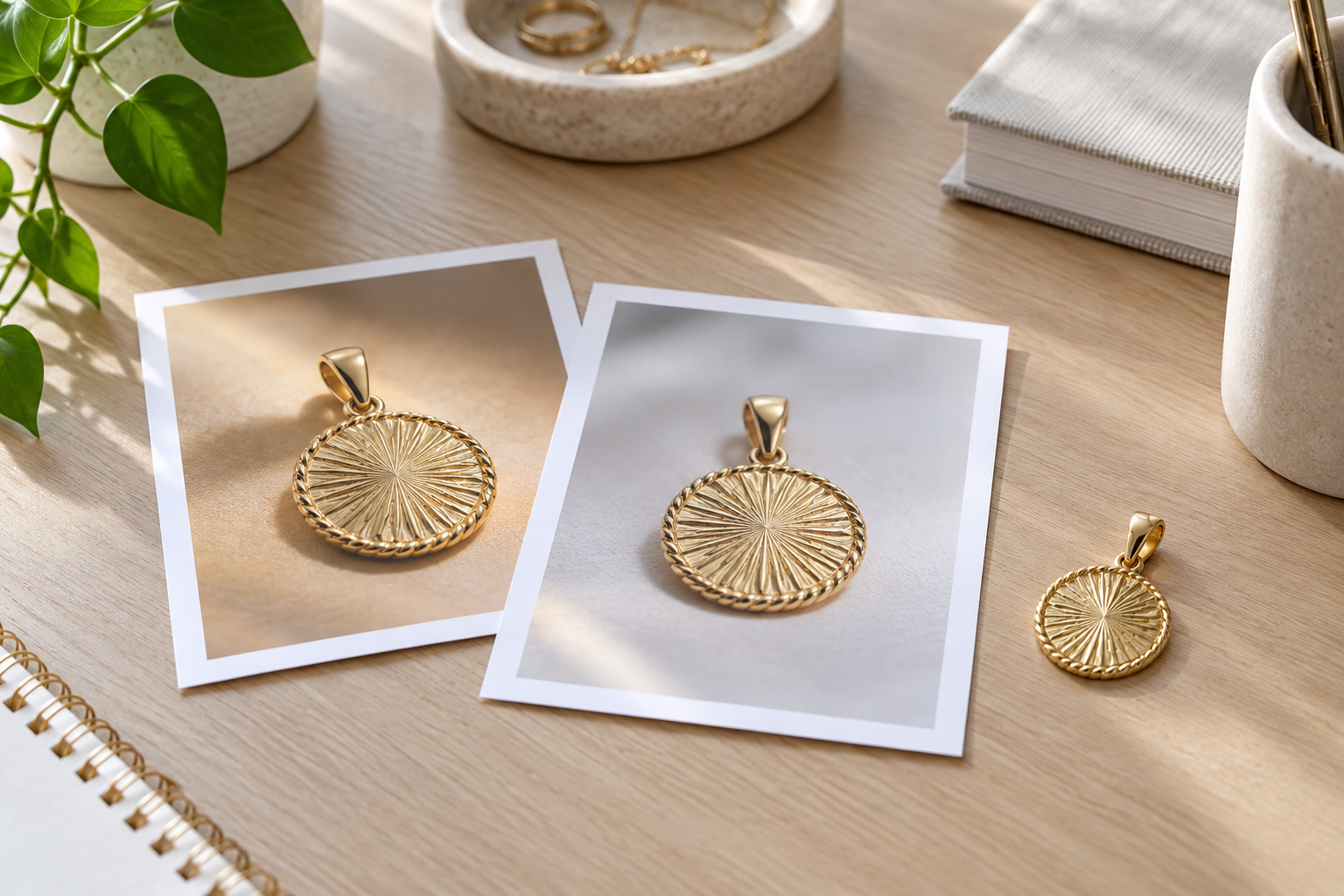
A new jewellery photo may replace a blurry image, show a changed setting or make a detail easier to see. Keep the older image when it helps explain the record, and add a short note about why a replacement was taken. This prevents relatives from wondering whether the two images show different pieces.
Date each photo or include a date in its filename. Use a neutral reason such as ‘clearer clasp view’ or ‘new photo after repair’. If the image was taken after a jeweller visit, keep the related paperwork reference nearby. Avoid describing a photo as proof of authenticity, condition or ownership; it is a visual record only.
Before adding a new image, confirm that it matches the item label and that no personal information appears in the background. Keep the camera view focused on the relevant detail, and do not discard the earlier photo until the family has decided whether it is still useful. A consistent angle can make later comparisons easier.
A short photo history can help a family understand how the record developed. Keep the explanation factual and separate it from estimates or recollections. If the image does not answer a question, write down what is still unclear instead of editing the note to sound more certain than the picture allows.
Keep family jewellery records together
Explore AurumSafe for family jewellery records on Android. Start your free vault.